One link. Ready to go.
Copy a link and paste it into SaveXTube. The app recognizes the site and media details, then adds your chosen format to the queue.
A proper desktop download utility
Works with YouTube, Bilibili, TikTok, and more.
You can also extract audio and subtitles, with local transcription for easy organizing and search.
Available for Apple Silicon, Intel Mac, and Windows x64
 YouTube
 X
X Douyin
 Xiaohongshu
 Bilibili
 WeChat Channels
 Telegram
Clear by default
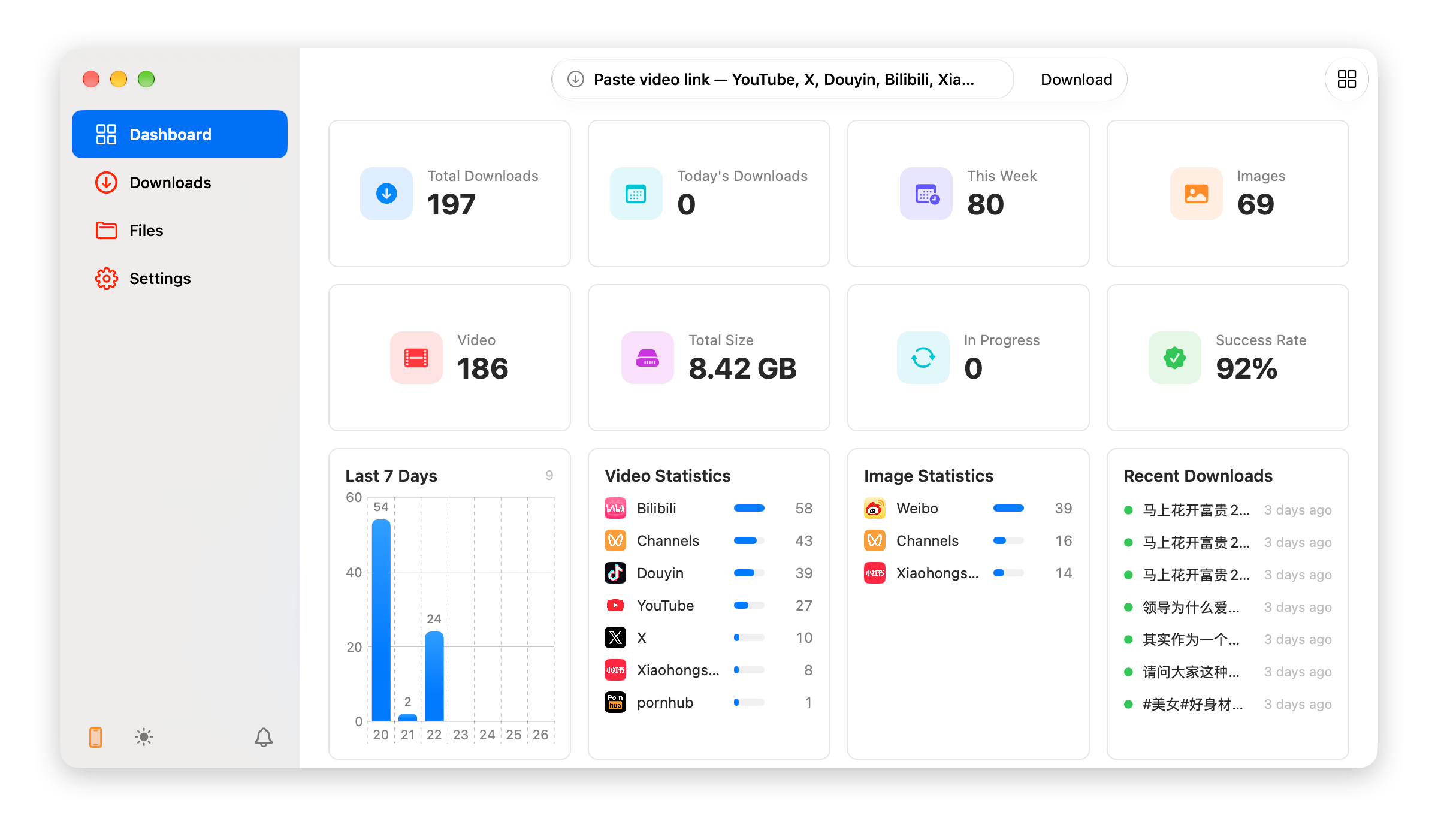
Progress, storage, success rate, and recent activity live in one focused Dashboard. Open SaveXTube and immediately know what was saved and what is still running.
From a link to a local file — then to searchable, summarized knowledge. Everything happens on your computer.
Copy a link and paste it into SaveXTube. The app recognizes the site and media details, then adds your chosen format to the queue.
Choose popular resolutions and formats, extract audio only, or keep subtitles — ready for editing and organization.
Turn video into text with a local model, then use the AI service you choose to pull out key ideas, create summaries, and build mind maps.
From the native foundation to the sources it handles, every detail serves the way you actually work.
The macOS app uses Swift and AppKit; Windows uses WinUI 3. There is no Electron browser kernel, and shortcuts, windows, and dark mode follow each platform.
Most download tools don't support Telegram at all. SaveXTube uses a Bot to directly download videos and files from channels and groups — just send a link and it saves automatically.
Download images in bulk from Xiaohongshu, X, Instagram, and Telegram. Save full-resolution originals without long-pressing each one individually.
A local model can handle transcription without uploading the original media. For summaries and mind maps, use a model provider you trust.
Use the Download Bubble or browser extension at your computer. Away from it, send tasks home through WeChat, Telegram, a mobile shortcut, or an AI agent.
The default bubble and an installed Codex Pet have the same controls: drag a browser link onto either one, or copy a video URL and right-click to read the clipboard and start the job.
Browse Codex Pets →Send the current page to SaveXTube Desktop from Safari, Chrome, Edge, and other supported browsers. Choose your browser to find its extension and setup instructions.
Browse extensions →Scan the QR code in SaveXTube to connect WeChat. Then send a video link in WeChat to start a download while SaveXTube is running — with the option to send the finished file back.
View the WeChat guide →Send one link or a batch to your private Bot, create jobs remotely, and follow live progress, speed, and time remaining. Finished files can be sent back automatically.
View the Telegram guide →Enable the HTTP API and hand a link to an iPhone Shortcut to create a remote job or check its status. With a secure network such as Tailscale, you can send links home while away.
View the HTTP API guide →Enable MCP and a compatible AI agent can submit links, check progress, and read recent jobs. MCP shares the HTTP API port and API key for a simpler setup.
View the MCP guide →Download history, site cookies, media, and local transcripts stay on this computer. There is no cloud library you are required to sync with.
Personal license
Pay once and keep using the current major version. Includes multi-platform downloading, local transcription, and content organization.
Payment is verified automatically. License codes are delivered manually.
Two builds, with the same local download and organization workflow.